The Definitive Guide to Successful Software Implementation (Without Adoption Pain)
Authored by
Saasence Editorial Team
Date Released
March 2, 2026
Implementing software isn’t just a technical rollout—it’s an operational change. The best implementations align business outcomes, data, and user behavior from day one, then improve continuously after go-live. This guide provides a practical operating model to help you choose the right rollout strategy, avoid costly pitfalls, and drive real adoption with measurable ROI.
Key Takeaways
- Implementation success is measured by adoption and outcomes—not simply “go-live.”
- Select the right rollout model based on risk and operational complexity.
- Most failures occur because of data, communication, and training gaps.
- Successful teams build repeatable systems for governance, testing, and validation.
- Post-launch optimization ensures value continues to grow after real usage begins.
Implementation Is a Lifecycle, Not a Deadline
Software implementation is the structured process of launching a system so it works reliably and people actually use it. This includes configuration, testing, integrations, data migration, user enablement, and governance—followed by ongoing optimization.
A healthy implementation answers two key questions:
- Does the system work as designed?
- Does the business work better because it exists?
Saasence Insight: The real implementation begins after go-live—when real-world edge cases appear, users develop habits, and workflows meet operational reality.
Choose the Right Rollout Model
There is no universal rollout strategy. The right approach depends on your organization’s risk tolerance and system complexity.
1) Pilot Rollout (Recommended for Most Teams)
A smaller group goes live first. Teams learn from early feedback, refine workflows, and then scale safely.
Best for: New processes, high adoption risk, and multi-team rollouts.
2) Phased Rollout
Deployment happens in stages—by region, department, or system module.
Best for: ERP, ITSM, or CRM programs with multiple workflows.
3) Parallel Run
Old and new systems run simultaneously for a transition period.
Best for: High-risk environments where fallback capability is essential.
Trade-off: Operational overhead and possible user confusion.
4) Direct (“Big Bang”) Cutover
Everyone switches to the new system at once.
Best for: Smaller systems or projects with strict deadlines.
Risk: Failures can cascade quickly without rollback planning.

Rollout model decision tree: complexity vs risk determining the ideal rollout strategy.
The Saasence Implementation Operating Model
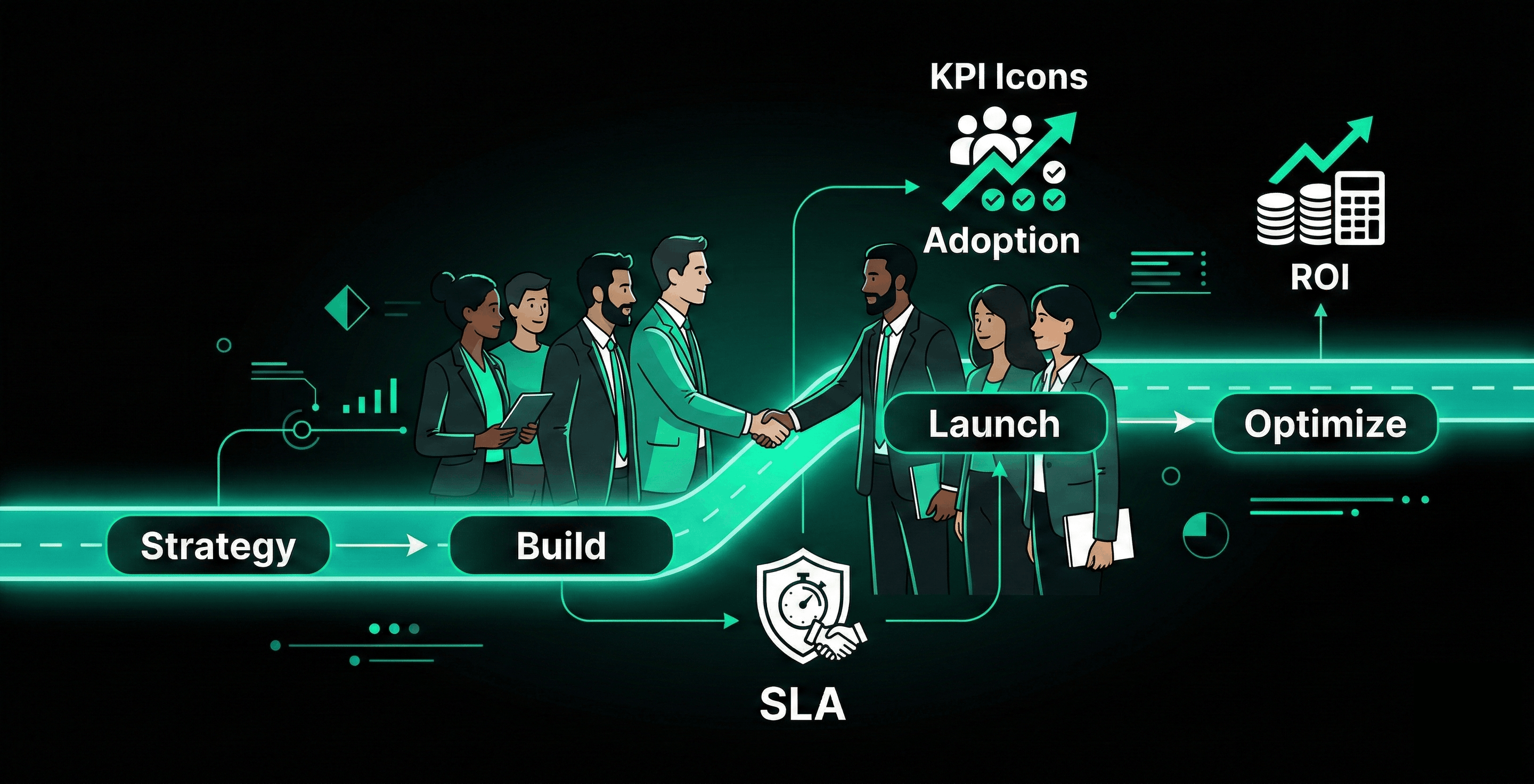
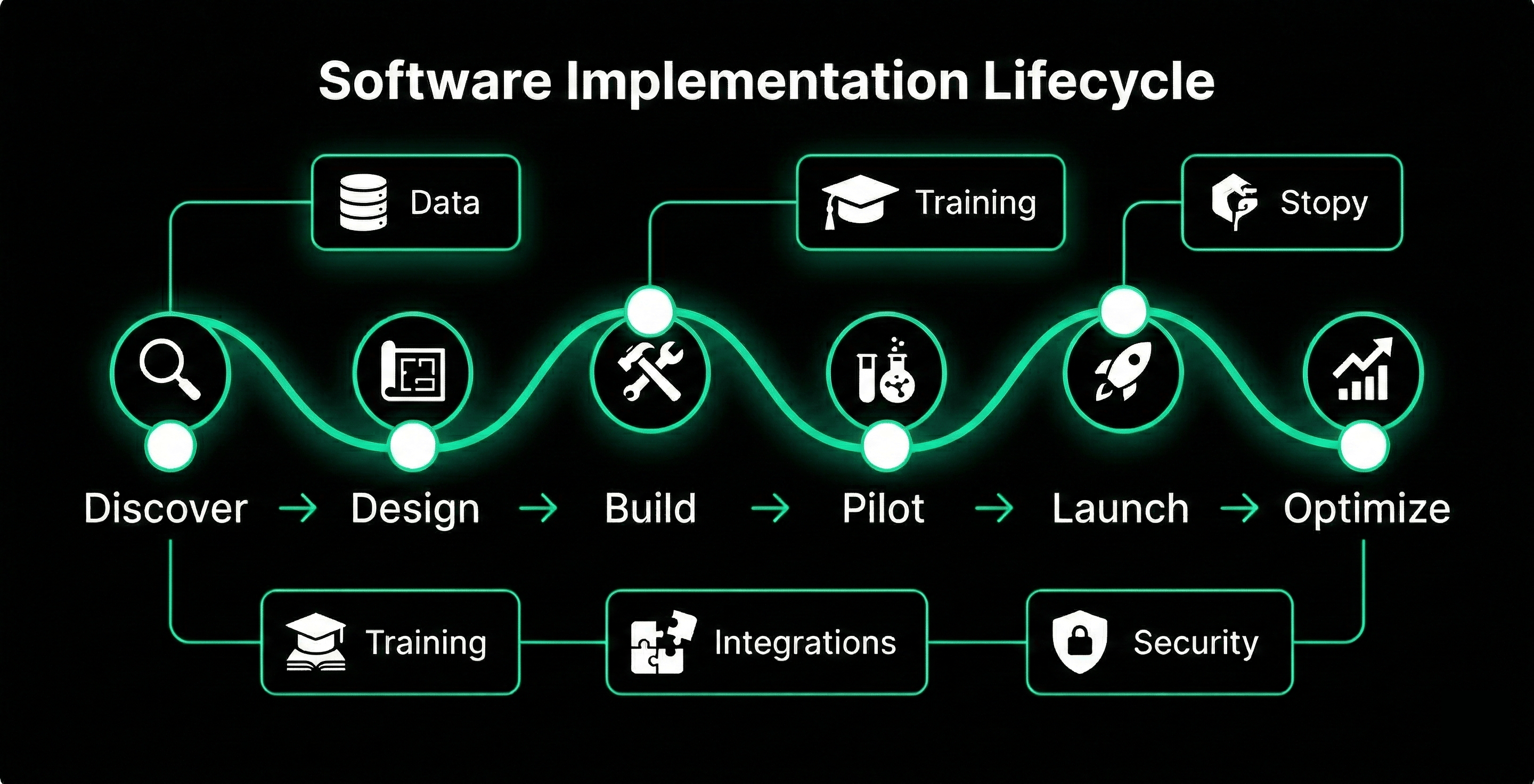
A reliable implementation is built as an operating system rather than a checklist. The following phases ensure predictable delivery and reduced rework.
Phase 1: Outcome Definition + Governance
- Define business outcomes and measurable KPIs
- Identify stakeholders and ownership roles
- Establish scope boundaries and change decision processes
Phase 2: Solution Design (Process + System)
- Map real workflows including exceptions
- Configure permissions, SLAs, routing logic, and reporting
- Document future-state operational processes
Phase 3: Build + Integrate
- Implement configurations and automation workflows
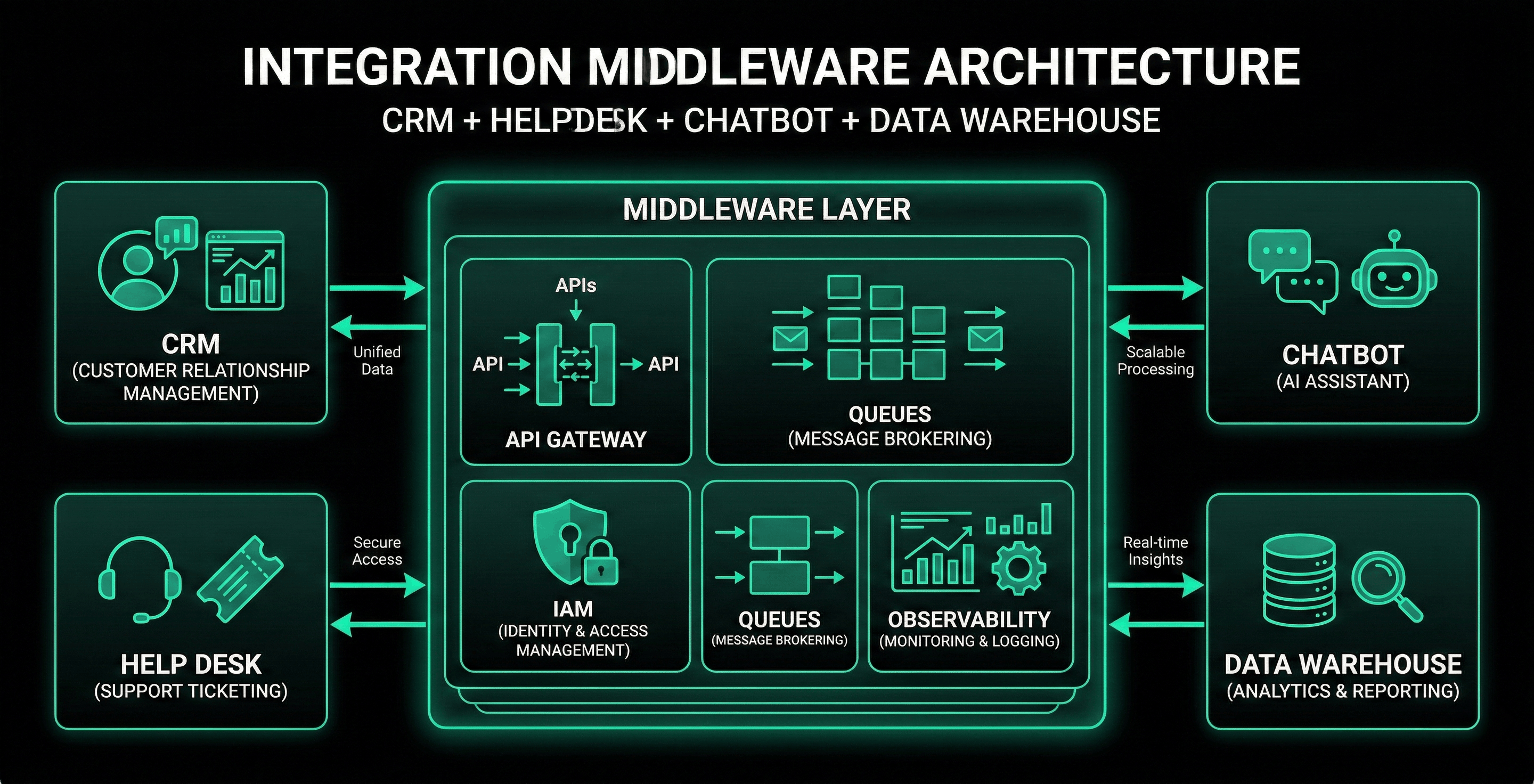
- Build integrations with CRM, ERP, identity, and analytics platforms
- Enable monitoring through logs, alerts, dashboards, and audit trails
Phase 4: Validate (UAT + Pilot)
- Run user acceptance testing using real-world scenarios
- Launch a pilot rollout with controlled users
- Capture feedback and adjust workflows
Phase 5: Launch + Stabilize
- Execute rollout with hypercare support
- Implement issue triage and escalation paths
- Monitor adoption and deliver training refreshers
Phase 6: Optimize
- Improve automation, reporting, and workflows
- Introduce improvements based on usage metrics
- Mature governance and documentation for scale
Data + Integration: Where Projects Break
Data migration and system integrations are the most underestimated implementation challenges. When poorly planned, they introduce operational failures and adoption friction.
Data Migration Best Practices
- Audit and clean data early
- Map fields, relationships, and historical records
- Validate with reconciliation testing
- Plan incremental sync and rollback strategies
Integration Best Practices
- Prioritize mission-critical integrations first
- Design retry logic and fault tolerance
- Enable monitoring so failures are visible
- Document ownership and operational runbooks
Training + Change Management That Drives Adoption
Training must support real workflows rather than simply introducing features.
Effective Enablement
- Role-based training for agents, managers, and administrators
- Short operational playbooks explaining new workflows
- Sandbox practice environments
- Feedback loops tied to real incidents
Adoption Accelerators
- In-product guides and templates
- Standardized macros and workflows
- Leadership communication explaining the “why”
Checklist: Your Implementation Plan
- Outcomes defined and KPI baseline established
- Stakeholders identified with clear decision authority
- Rollout model selected
- Data audit and mapping completed
- Integrations validated end-to-end
- UAT scenarios prepared
- Role-based training created
- Hypercare support plan defined
- Monitoring dashboards enabled
- Post-launch optimization cadence scheduled
Conclusion
Great implementations are not simply installed—they are adopted, stabilized, and continuously improved. Organizations that choose the right rollout strategy, treat data and integrations as core workstreams, and invest in enablement build systems that deliver lasting operational value.
Ready to Get Started?
If you're planning a software implementation and want a rollout that drives real adoption—not just a go-live date—Saasence can help.